User Guide
End-user documentation for the someones.computer control panel, as opposed to the architecture/ops docs one level up in docs/.
- The public pages—
/,/pricing,/installand/status, all readable without an account - Getting started—creating an account and signing in
- Pricing—the public
/pricingpage: prepaid credit, container-seconds, and which figures are real - Platform status—the public
/statuspage, readable without an account - Dashboard—the orchestrator status page you land on after sign-in
- Organizations—creating and viewing organizations
- Installing
sc—getting the deploy agent, from the one-liner to the archives and their checksums - Applications—the application and revision dashboards, and what their figures mean
- Live logs—following a running service's output as it happens
- Lifecycles—how long a revision, a running stack and a database each live, and what takes them down
- Managed databases—databases and buckets the platform runs for you, and what suspending or deleting one does
- Live updates—how pages keep themselves current without a reload
- Notifications—the centre where the platform tells you what happened, and the unread count in the sidebar
- Deploying with
sc—sc whoami,sc version, deploying a few services, mountingconfigs:andsecrets:files - Variables and redeploying—configuration and secrets, and redeploying a running revision with no new build
- Application health—the outside check, uptime, outages, and the email when an application goes down
- Access gate—putting a password, a token or a sign-in in front of an application
- Pool domain and short name—the address every application gets, and how to change its label
- Sign in with someones.computer—registering an OpenID Connect client so your application can use platform accounts
- Domains—bringing your own domain names and pointing them at applications
- Billing—topping up an organization's shared credit balance and viewing its transaction ledger
- Support—asking the platform team about anything, and the account limits or a refused image that send you here to read
- Profile—changing your display name, choosing your language, and where your avatar comes from
- Two-factor sign-in—the authenticator code, recovery codes, and an organization that requires it
- Rate limits—how fast one source may fail on the public pages, and what a
429answer means - Appearance—the four themes, and whether you or your organization chooses
- API tokens—minting and revoking bearer credentials for the
scCLI and Model Context Protocol (MCP) clients - Service discovery—letting one application look up another by name, offers between organizations, and the organization switch
- Registry sign-ins—letting the platform pull your private images from registries other than its own
- Registry keys—minting and revoking
docker logincredentials (admin-enabled) - Docker Registry—signing in to the image registry and the repositories you can pull (admin-enabled)
- Docker Contexts—configuring the Docker endpoints that build images and run services (platform admin)
- Topology—the whole estate at a glance: every context, what it depends on, and the metal underneath (platform admin)
- Hypervisors—registering the Proxmox endpoints machines get built on (platform admin)
- Machines—provisioning VMs onto the platform's hypervisors, and watching them come up (platform admin)
- Termination queue—scheduled teardowns and stray containers awaiting an operator, before they fire unattended (platform admin)
- Status panels—every component that makes up the platform, drawn as a diagram and coloured by health (platform admin)
- Failures—what keeps going wrong across every tenant, grouped into kinds worth fixing (platform admin)
- Builds—every tenant's builds, the images they produced and the logs they printed (platform admin)
- All organizations—every tenant, cross-account, with its footprint and credit balance (platform admin)
- Users—every account: approval, trust tiers, feature toggles and spam (platform admin)
- Scan quarantine—revisions an image scan refused, waiting on an operator to rescan, clear or uphold (platform admin)
- Mail log—every message the platform has tried to send, including the ones with no account behind them (platform admin)
- Build panel—the commit graph behind the running build, opened from the footer (platform admin)
Reading this in the app
You don't have to come to the repository for any of it. The app serves the whole
guide at /help, from these same files—no account needed, since the first page is
how to get one.
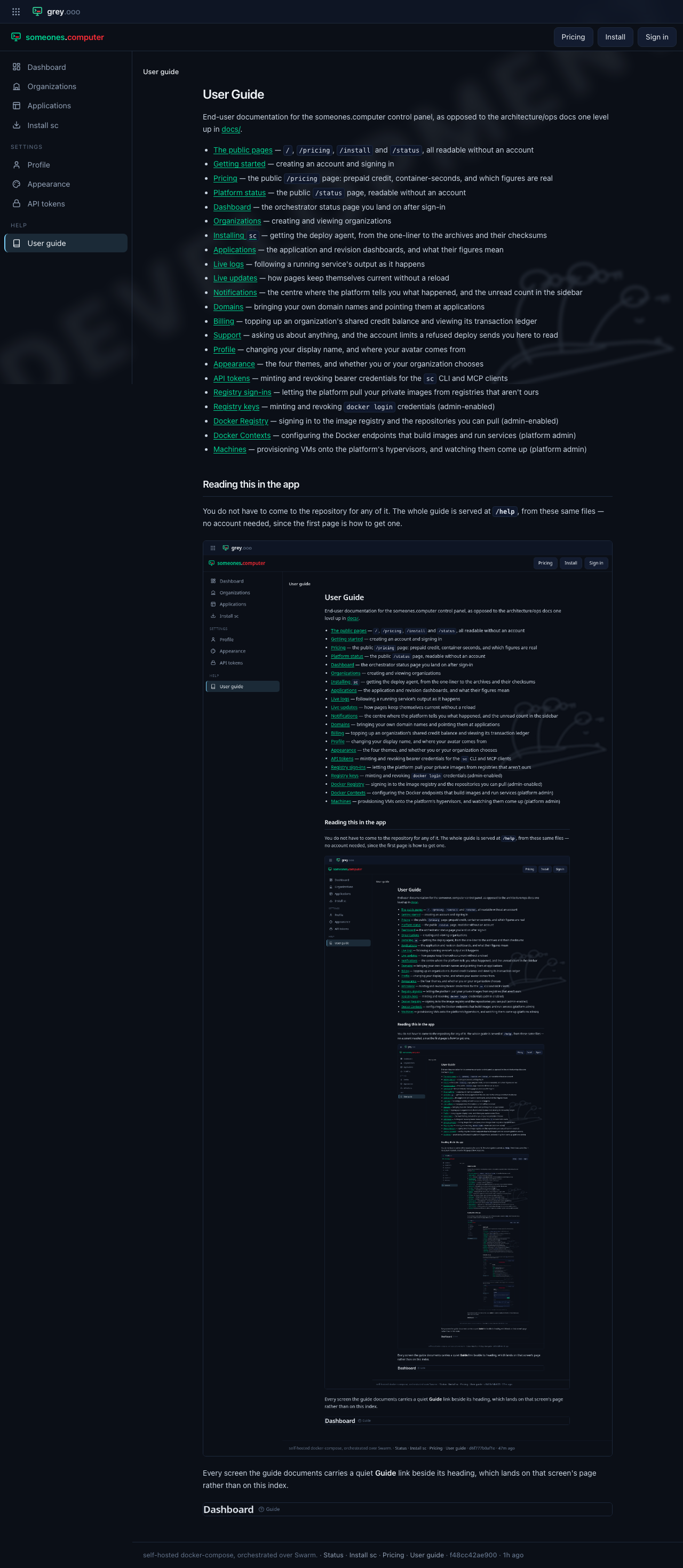
Every screen the guide documents carries a quiet Guide link beside its heading, which lands on that screen's page rather than on this index.
