Live logs
The Live log column on an application's revision list links to each running service's output, followed as it happens. Only the revision that's actually running has one. An older revision's containers no longer exist, so there would be nothing to show.
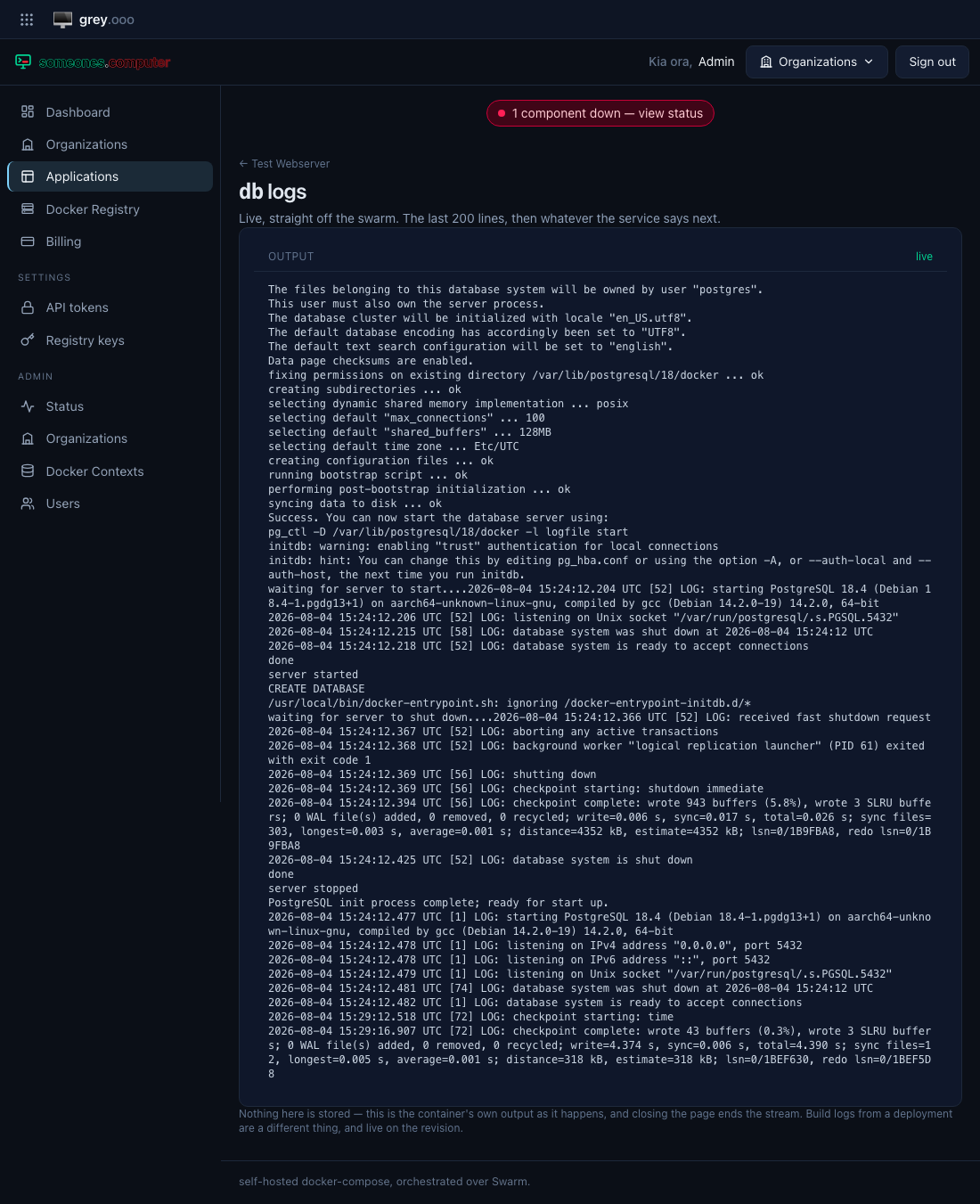
The page opens with the last 200 lines and then follows. Nothing is stored: this is the container's own stdout and stderr as the swarm reports them, and closing the page ends the stream.
Build logs are a different thing
| Live log | what a running container is saying right now. Not stored |
| Build log | what the build worker recorded while making the image. Kept with the revision, including when the build failed |
Both are on the revision list, in adjacent columns.
Following, and not following
The view sticks to the bottom while you are at the bottom. Scroll up to read something and it stops chasing you; a Jump to latest button appears, and following resumes when you use it or scroll back down yourself.
Only the most recent few thousand lines are kept in the page. A chatty service will push older ones out.
When it stops
The status in the corner says which of these has happened:
| Status | Meaning |
|---|---|
live |
connected and following |
reconnecting… |
the connection dropped; the browser is retrying by itself |
| a message | the server ended it on purpose—see below |
The server ends a stream rather than letting the browser retry when retrying can't help:
- the service isn't running—no one deployed anything, or no service by that name is on the swarm (typically renamed in your compose file since);
- all log streams are in use—see below.
There is a limit
Each open log holds a worker on the platform for as long as it's open, so a single instance serves a fixed number at once. When they're all taken, a new one is refused immediately with "all log streams are in use" rather than queued behind somebody else's tab.
Close a log view you're done with, and it frees up.