Termination queue (platform admin)
Everything the platform has scheduled to tear down unattended, in one place: a grace-period teardown from a suspended sole owner or exhausted credit, and a stray container nobody's Application claims. Both fire on the same 15-minute tick unless an operator intervenes here first. It lives under Admin → Termination Queue and requires the platform-admin role.
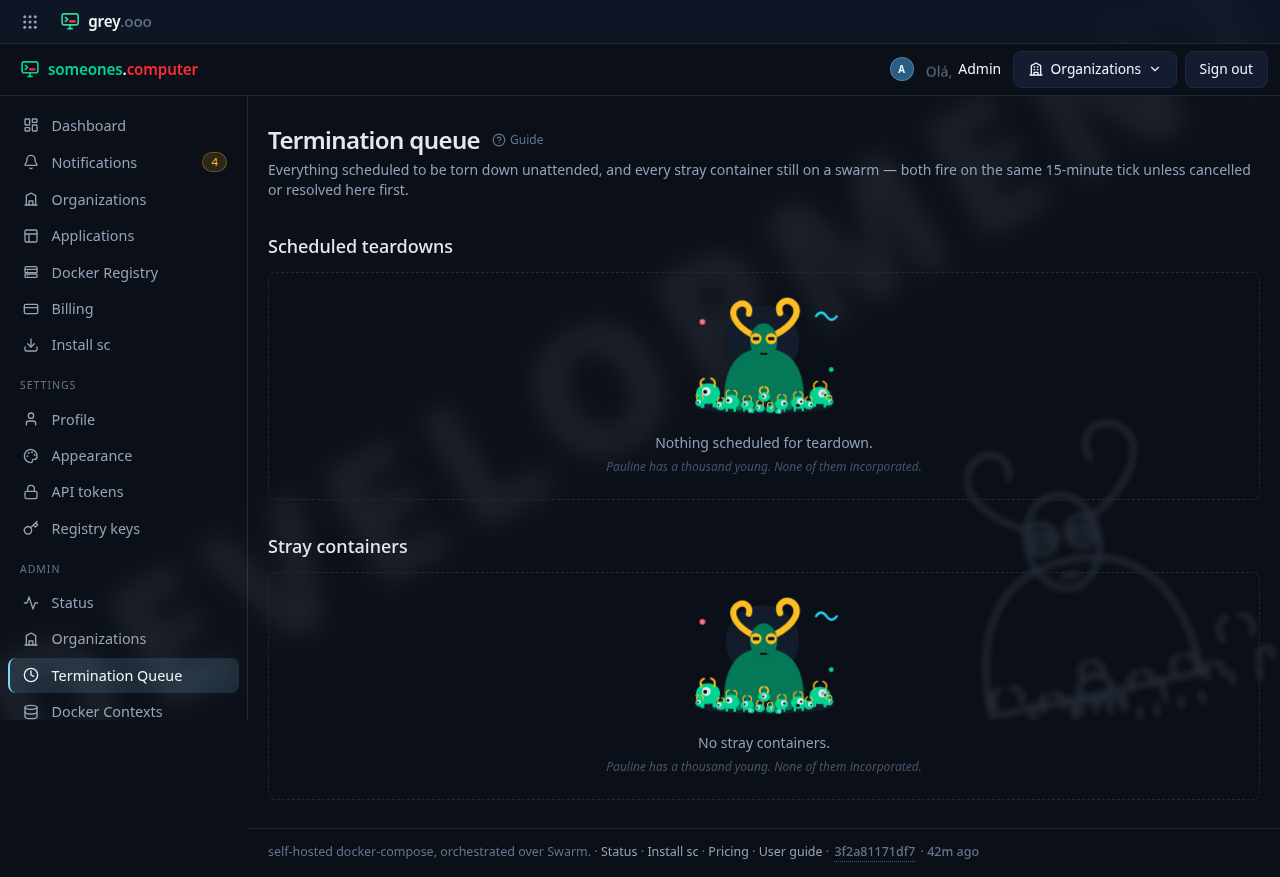
Scheduled teardowns
A row here means an organization's sole owner was suspended, or its credit ran out, and the grace period before its running deployments come down is still ticking. Each row shows the application, its organization, why, and when it fires. Cancel calls it off by hand—the same effect as the underlying condition clearing on its own (the owner re-enabled, the balance topped up).
This page isn't the tenant's only warning. Arming a row also raises a Teardown scheduled notification to everyone in the organization. Firing one raises Application torn down. This queue is behind the platform-admin role, so without those notifications a tenant would have no view of their own deadline. Cancelling from here is silent, the way the condition clearing on its own is.
Stray containers
A row here is a container a swarm reported that matches no live Application—an orphan left over from a deleted or suspended tenant, or one this platform never created. Each row shows the stack, which swarm it's on, and when it was first and last seen. Two actions:
- Resolve—the same outcome the platform reaches on its own when nobody observes a stray any longer (self-healed, or cleaned up by hand). The operator marks the row resolved, and it drops off the active list.
- Mark known—for a stray that's still there but intentional. Unlike Resolve, the container isn't gone. Detection keeps tracking it (its "last seen" keeps moving), but the platform excludes it from the 7-day auto terminate and shows a Known badge instead of the countdown.
The nav badge
The Termination Queue item in the Admin section carries a count when there's something to look at: the number of active strays, in amber, whenever there is at least one. A stray has no diagnosis by construction, because nobody scheduled it. The badge falls back to the number of pending teardowns, in a neutral tone, only when there are no strays. No badge at all means both queues are empty.