API tokens
An API token is a bearer credential for anything that isn't a browser: the
sc CLI, a Model Context Protocol (MCP) client, a script. A token is you—whatever it can reach,
you can reach—so treat it like a password. Every signed-in user can create
tokens; no admin has to enable anything.
Tokens are separate from registry keys on purpose: an API token can never
docker login, and a registry key can never call the MCP/API.
Creating a token
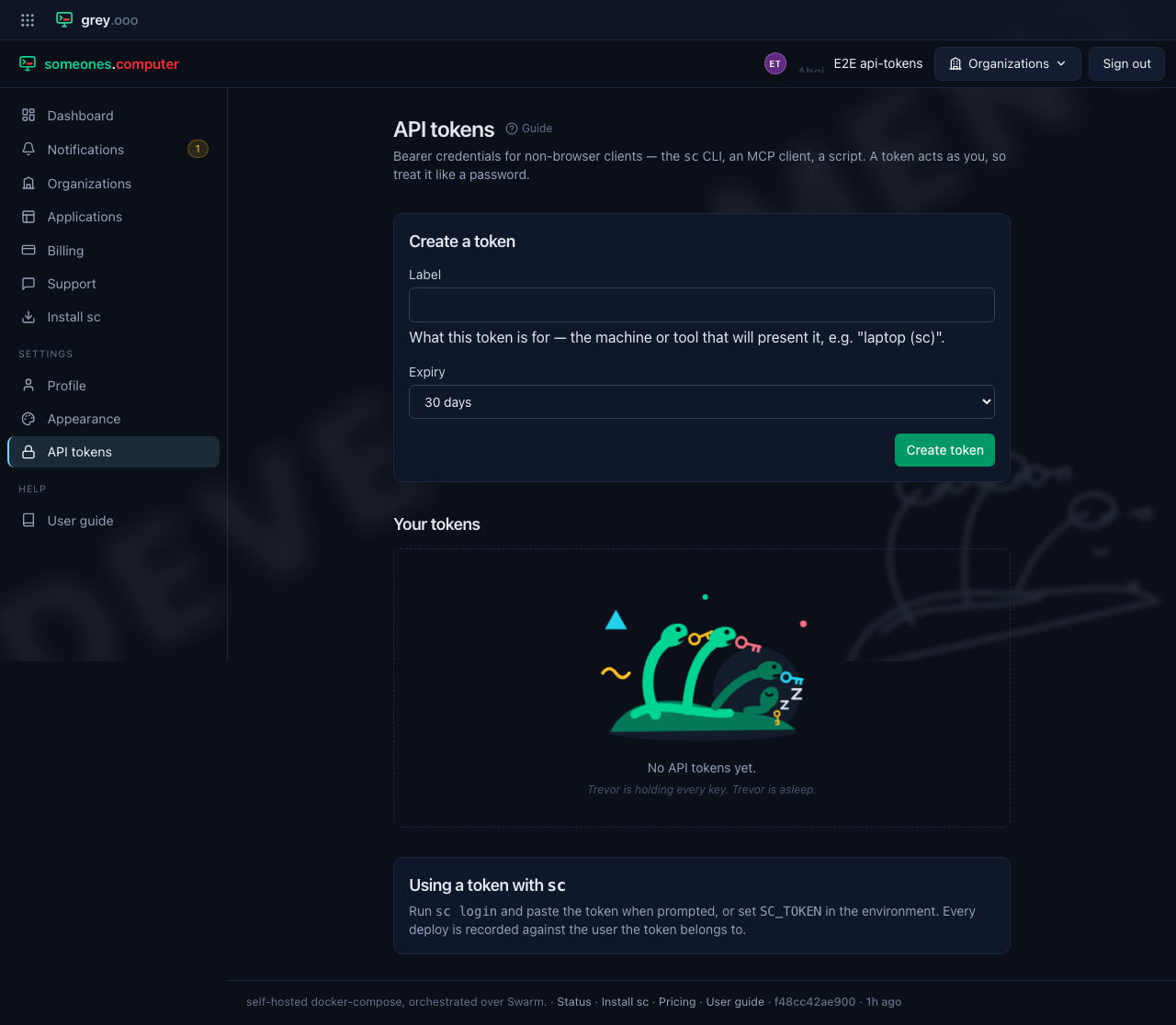
Open Security & Access in the sidebar and scroll to API tokens (or use the API tokens link at the top of the page). Give the token a label saying where it will live, choose an expiry, and click Create token. The expiry defaults to 30 days; 90 days, a year and never expires are the other choices, and a token that never expires has to be picked deliberately.
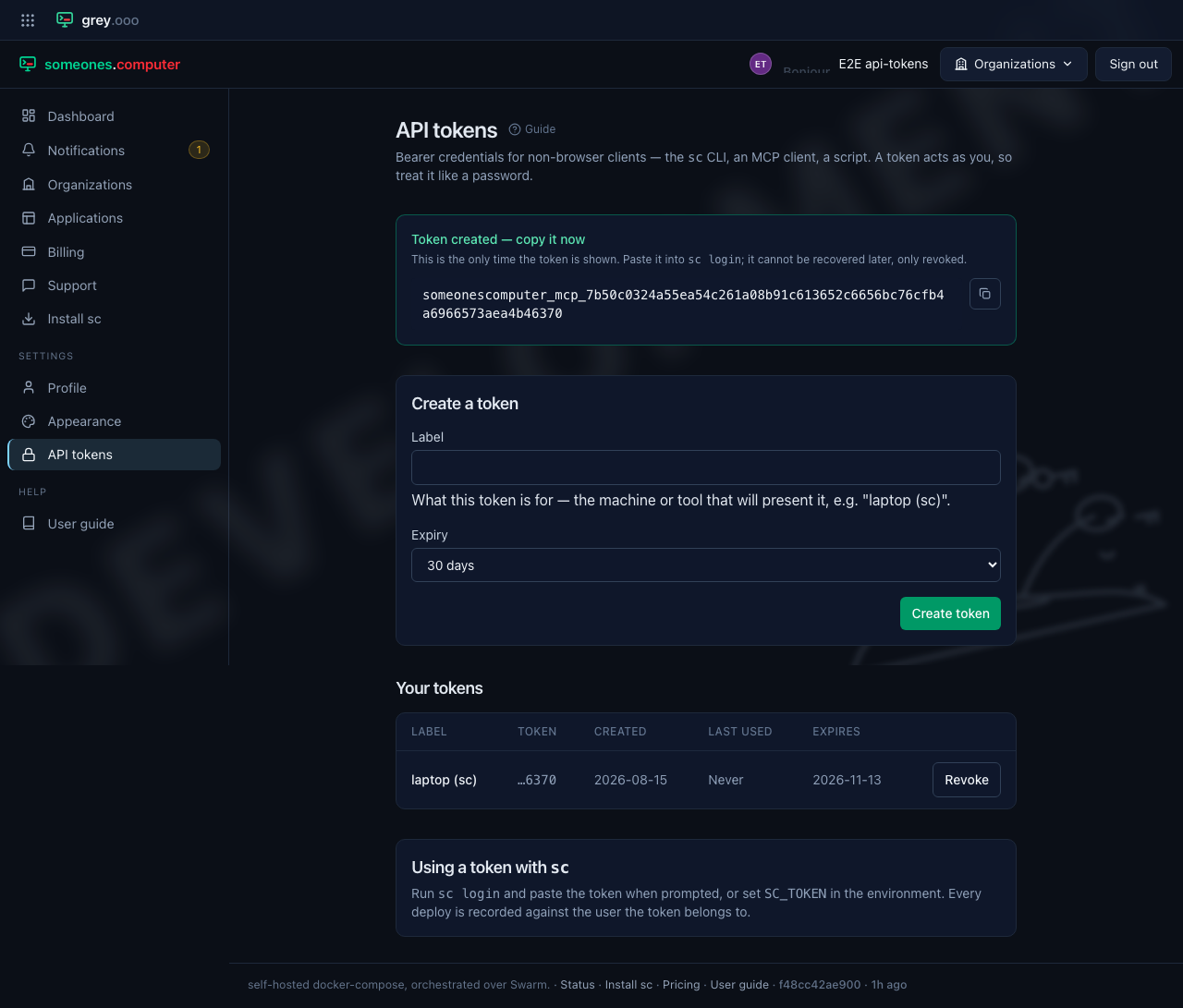
The panel shows the token exactly once, right after creation. Copy it now. Nobody can recover it later. You can only revoke it. The button beside it puts the token on your clipboard, so there is no need to select 70-odd characters by hand.
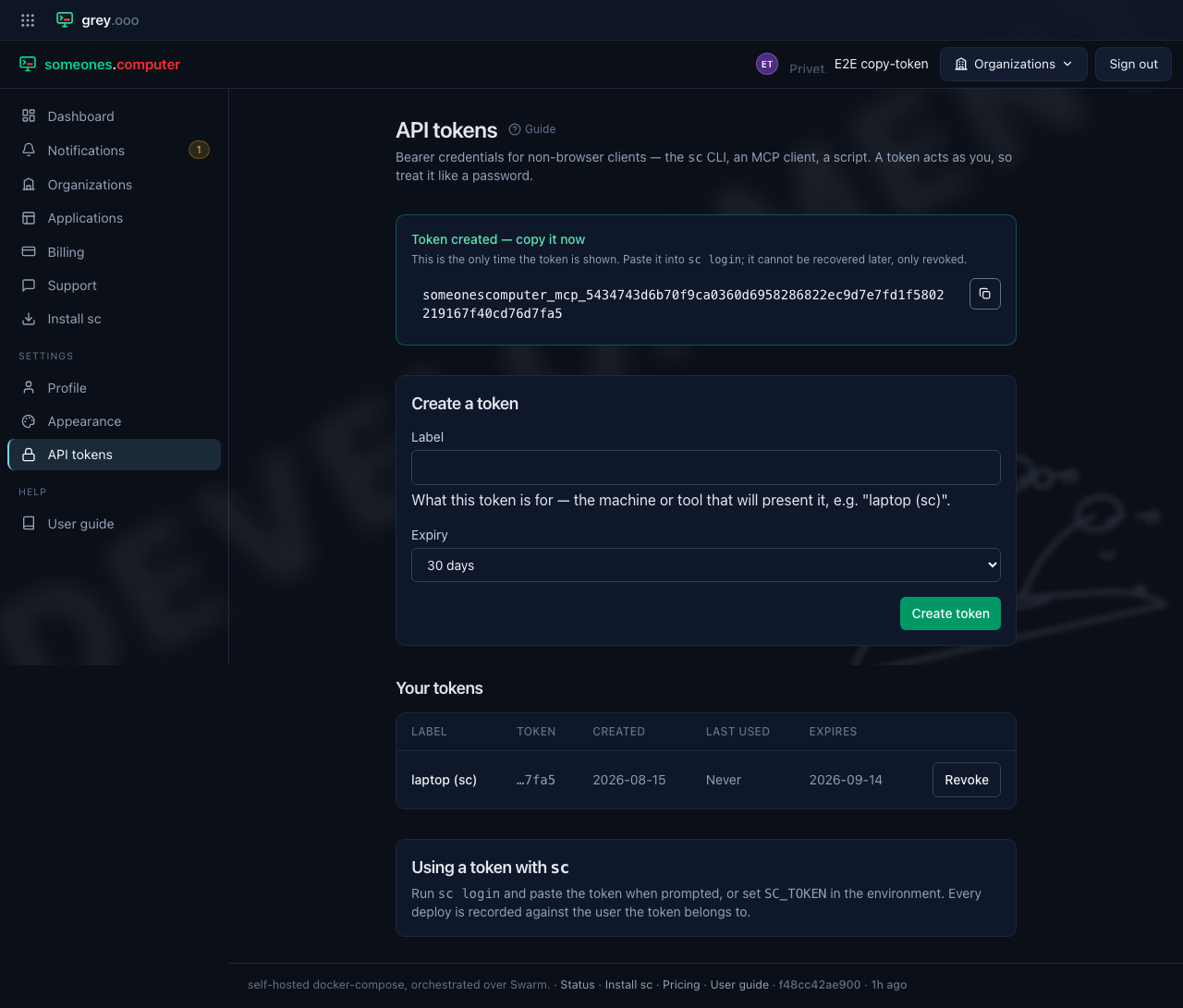
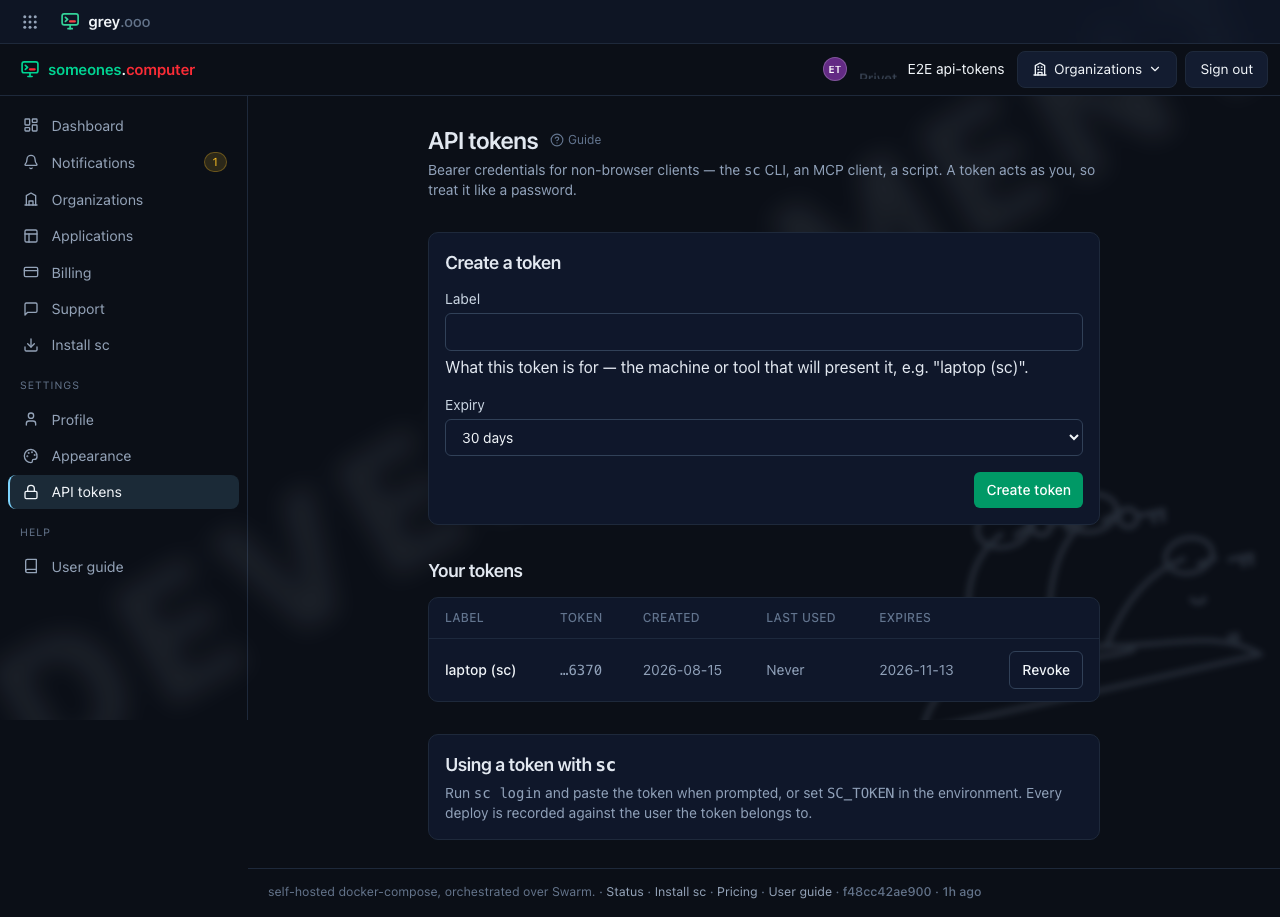
After a reload only the label, the last four characters, and the metadata remain—the platform stores a hash, not the token.
Using it with sc
Run sc login, paste the token when prompted, and it's stored for future
deploys. sc also reads SC_TOKEN from the environment, which is what CI
should use.
sc login
sc deploy --app my-app
The link sc login prints—and offers to open—names the machine it's
running on, so the form arrives with the label already filled in: on a laptop
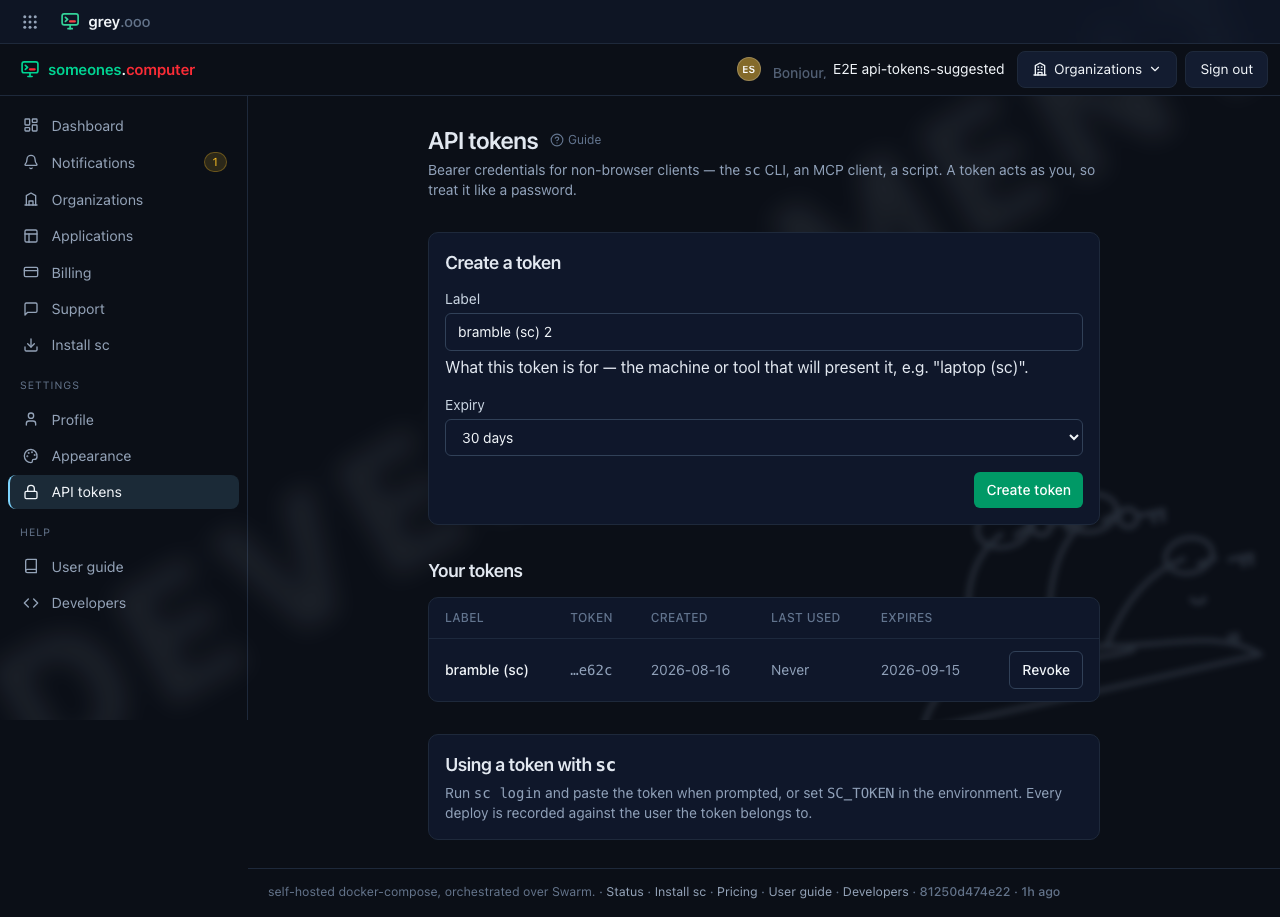
called bramble, bramble (sc). That's the answer to the question the label
exists for: "which box is this?" It's the one thing the browser can't
know. It's only a suggestion. Edit it, or type something else, before creating
the token.
The same laptop can come back after its first token expired, or after a person revoked it. When that name is already on your list, the platform numbers the suggestion instead: bramble (sc) 2. Two rows called the same thing are two rows you can't choose between when one of them needs revoking.
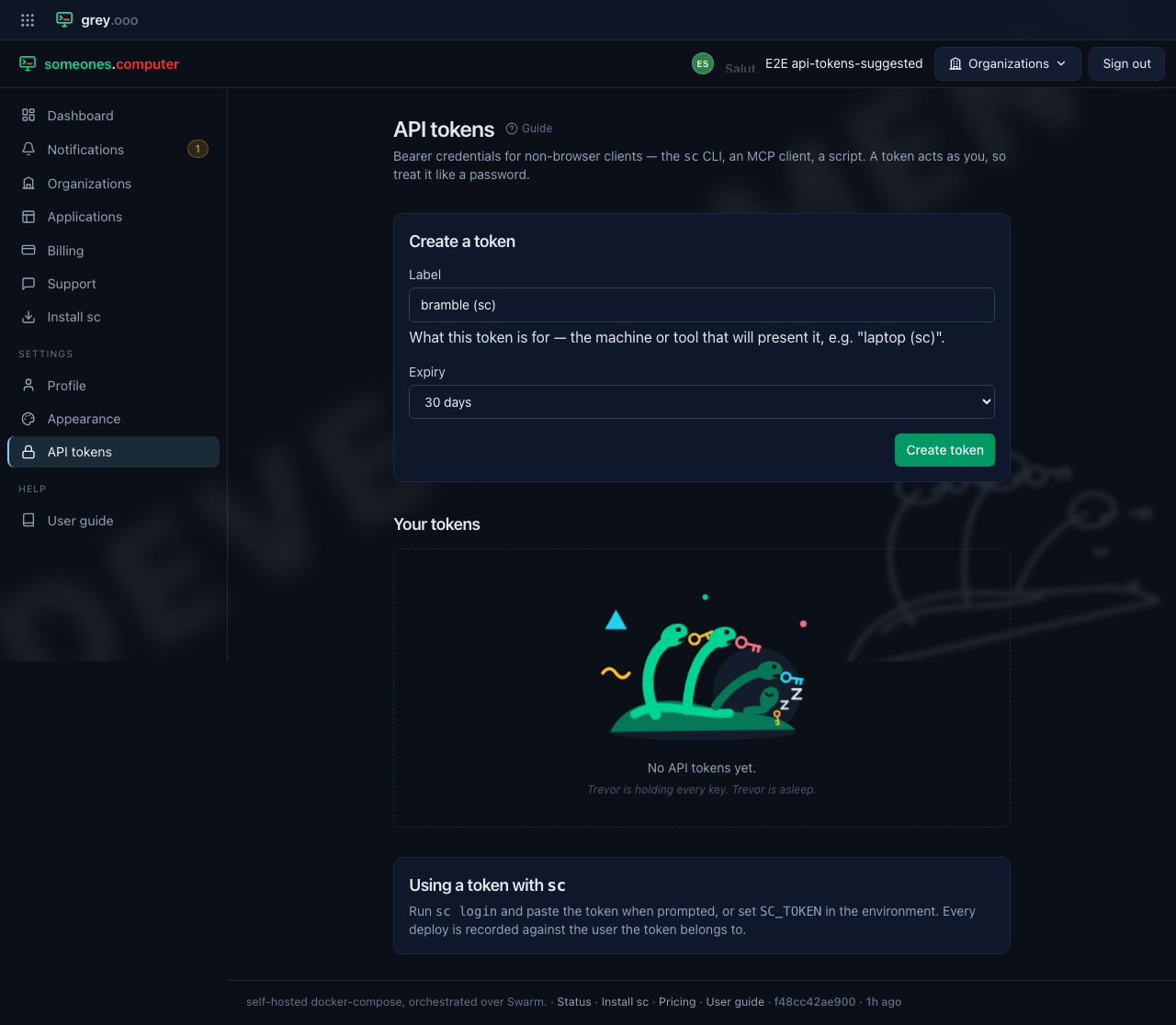
Nothing is suggested at all when the machine has no name worth using: a bare
container reporting localhost, or the string of hex digits Docker gives a
container it was never named. Those name every box and none of them, so the field
is left blank for you to say what the token is really for.
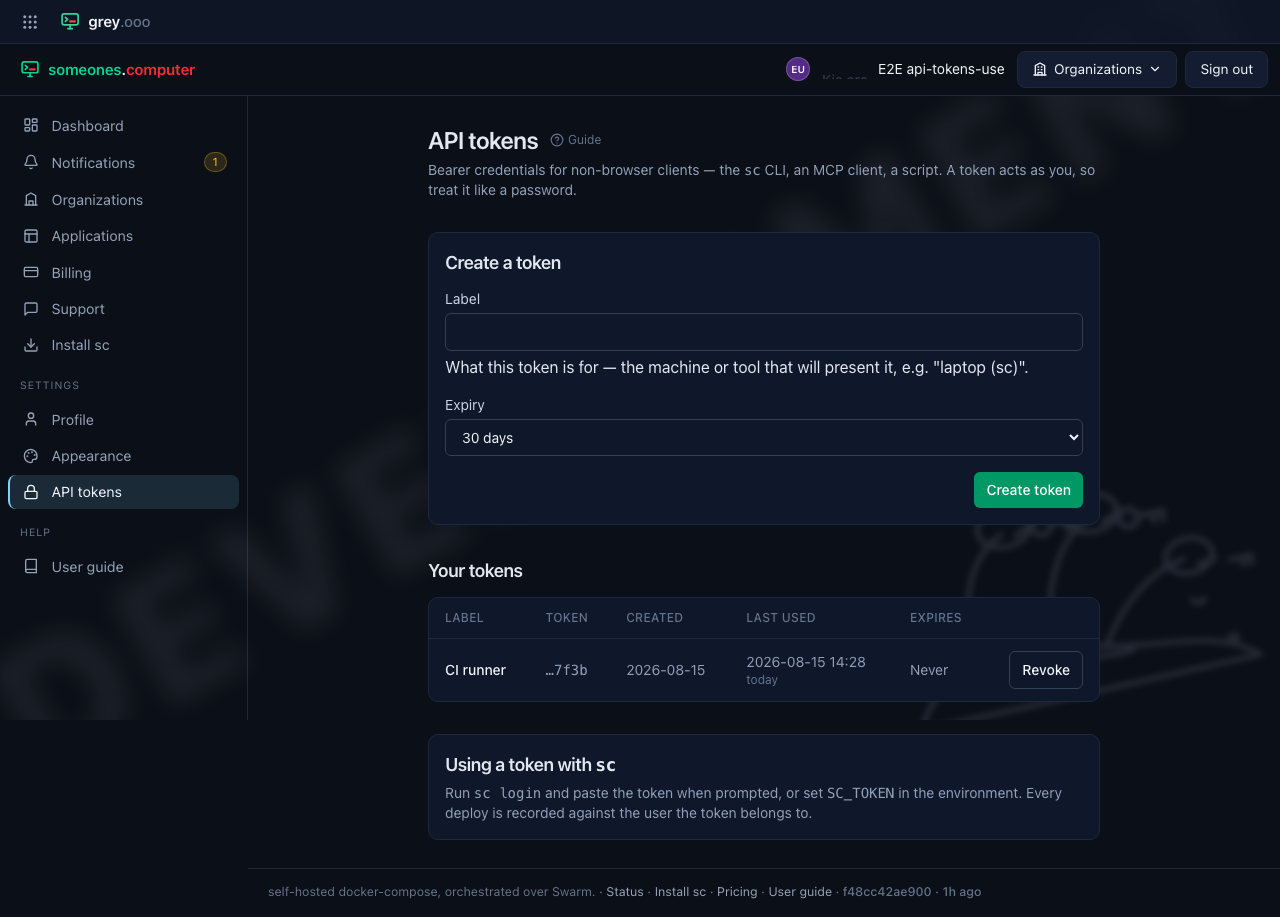
Last used on the list tells you whether a token is still in service—a
deploy updates it. It shows the timestamp with how long ago that was underneath
(today, 6 days ago), so a token nothing has touched in months is obvious at a
glance. Every deploy is recorded against the user the token belongs to, so an
upload is never anonymous.
Revoking a token
Click Revoke next to a token to disable it immediately. Revoked tokens stay in the list for your records but can no longer authenticate, and revocation can't be undone—create a new token instead.
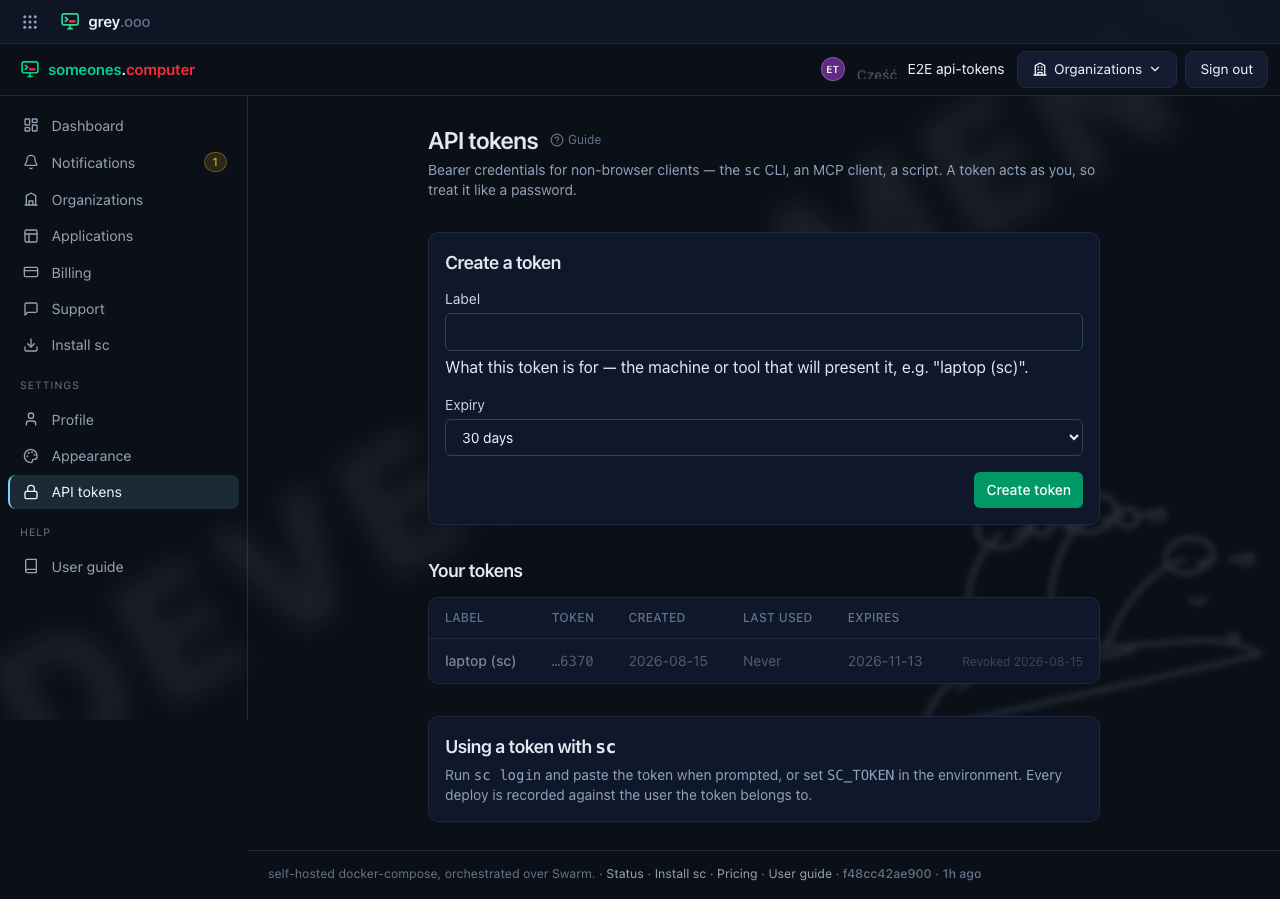
Expired tokens behave the same way: once a token passes its expiry date it stops authenticating, without needing to be revoked.