Registry keys
A registry key is a personal credential for docker login against the
platform's internal image registry. Access is opt-in: a platform admin has to
enable registry access on your account first—without it the Settings →
Registry keys page doesn't appear and its URLs are refused. Keys are
pull-only; images enter the registry exclusively through the build pipeline.
Keys are separate from API tokens on purpose: a registry key can never call the MCP/API, and an API token can never
docker login.
Creating a key
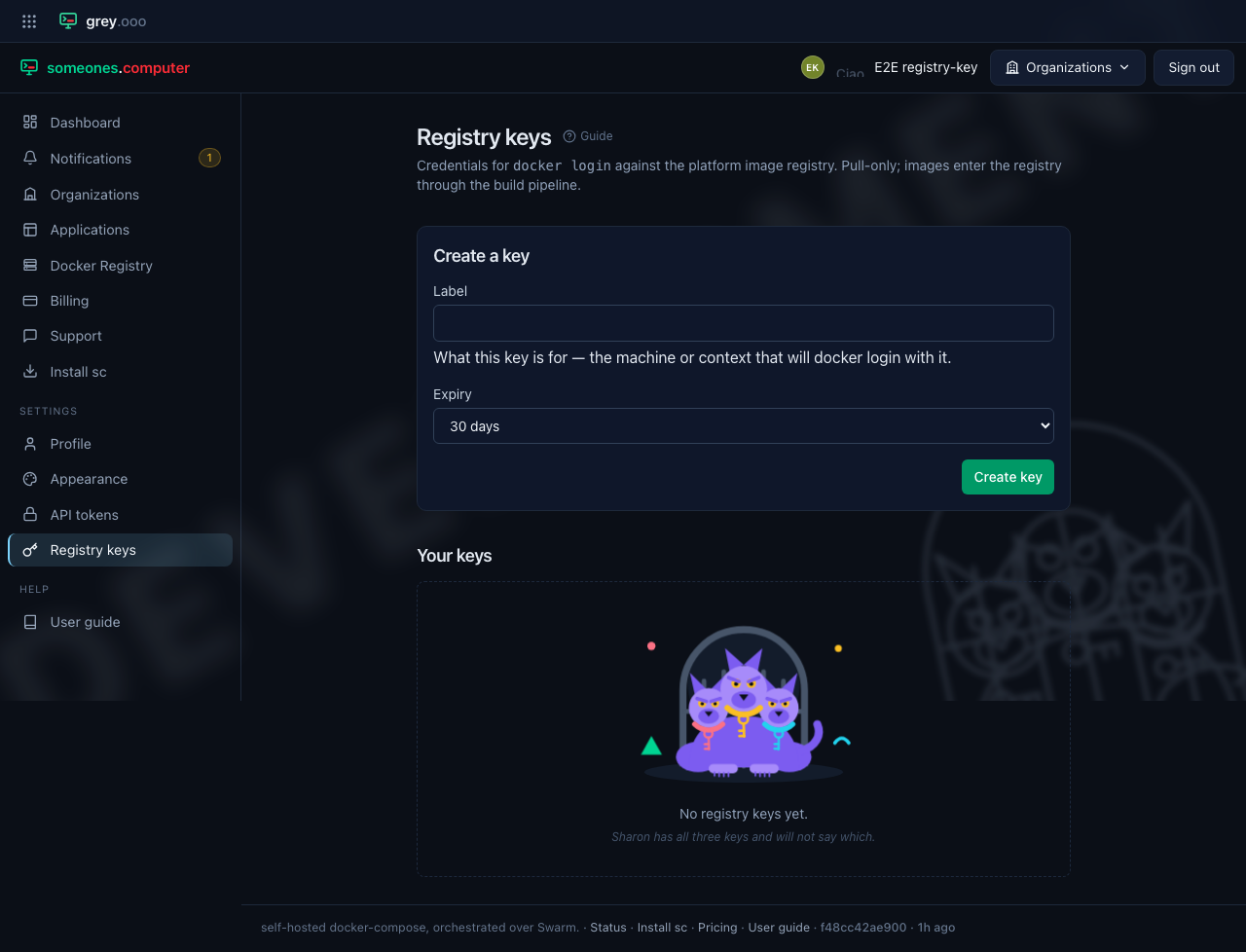
Open Settings → Registry keys in the sidebar. Give the key a label that says where it will be used, choose an expiry, and click Create key. The expiry defaults to 30 days; 90 days, a year and never expires are the other choices, and a key that never expires has to be picked deliberately.
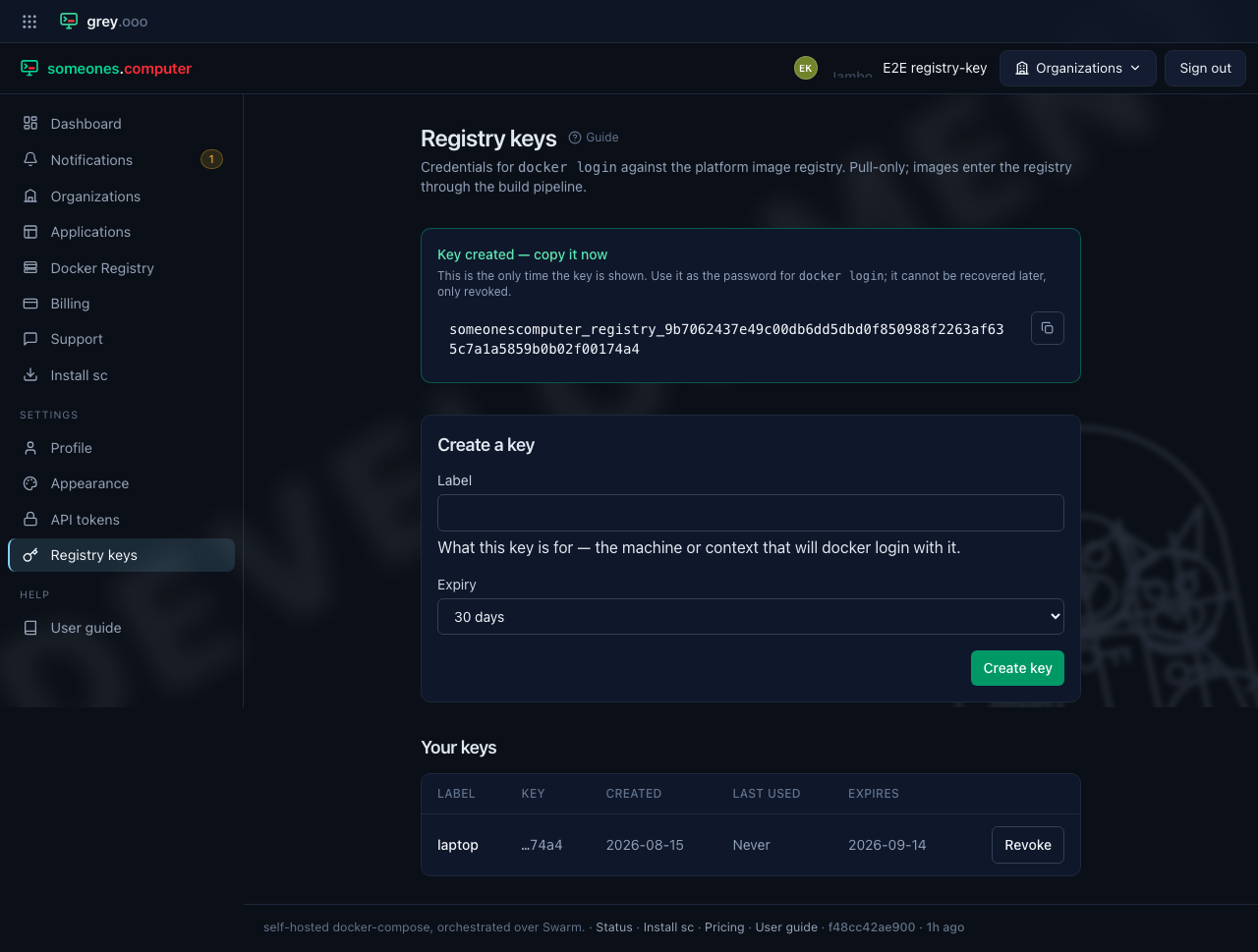
The panel shows the key exactly once, right after creation. Copy it now—the button
beside it puts the key straight on your clipboard—and use it as the password for
docker login. Nobody can recover it later. You can only revoke it.
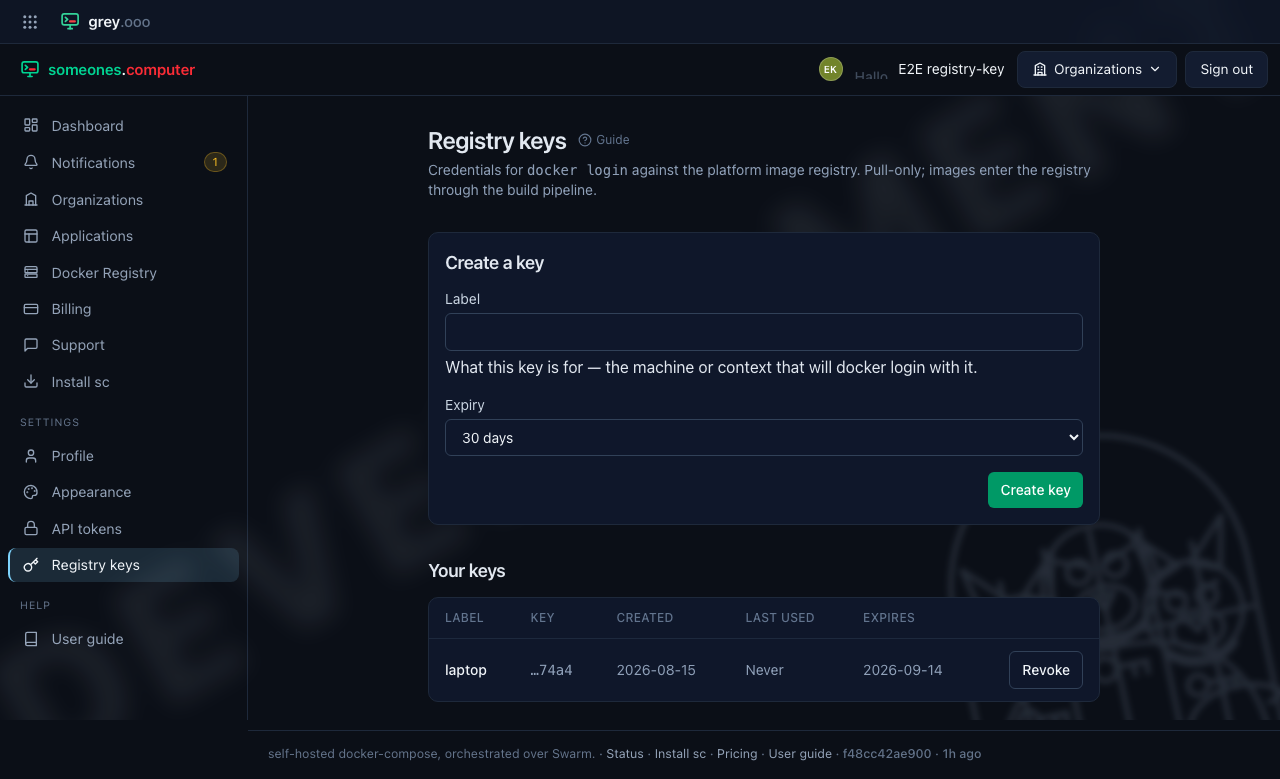
After a reload only the label, the last four characters, and the metadata remain—the platform stores a hash, not the key.
Revoking a key
Click Revoke next to a key to disable it immediately. Revoked keys stay in the list for your records but can no longer authenticate, and revocation can't be undone—create a new key instead.
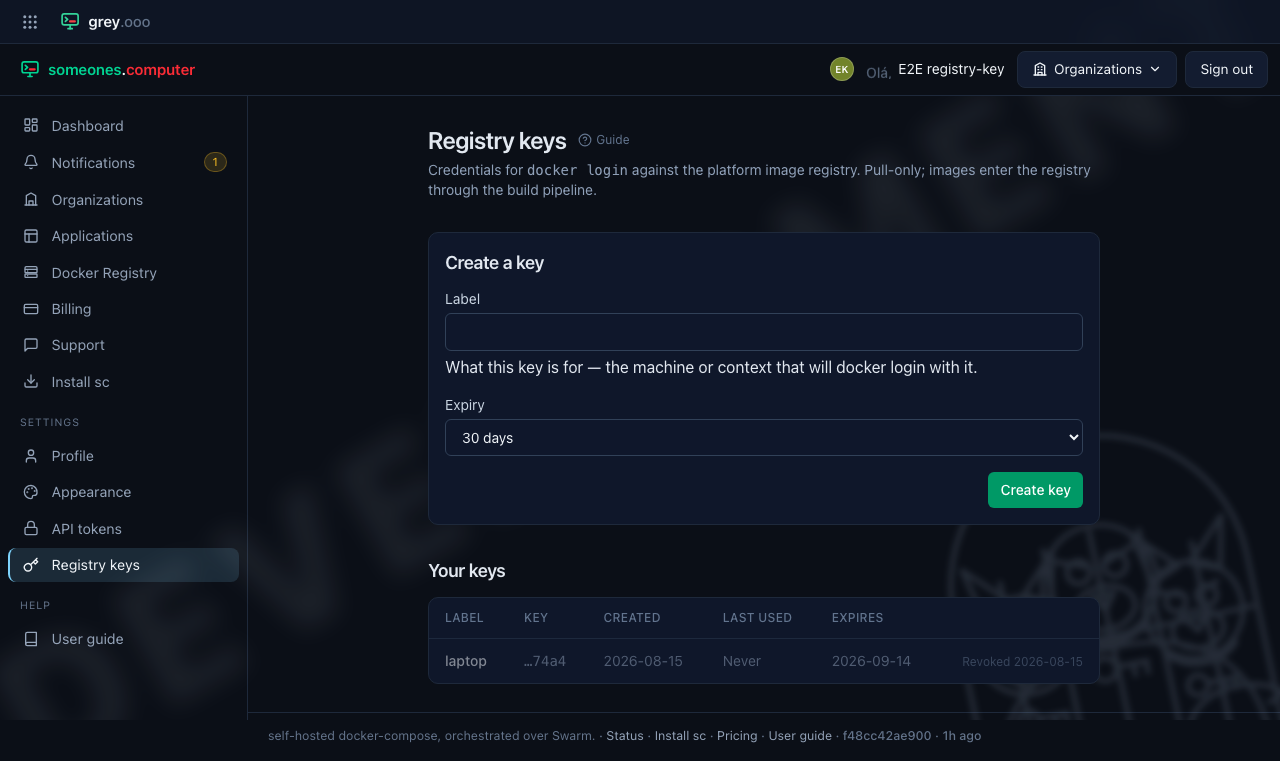
Expired keys behave the same way: once a key passes its expiry date it stops authenticating, without needing to be revoked.
Short-lived credentials for machines
A CI runner has no account, so it can't hold a registry key. A platform admin can mint a
short-lived credential for it instead. This is for a registry that an admin created. It has no
page in the control panel. The sc client or a script calls the platform API with the admin's
API token:
POST /cli/registries/{slug}/credential
| Fact | Value |
|---|---|
| Who can mint | A platform admin only. An organization token can't |
| Lifetime | 90 minutes. The response gives expires_at and expires_in (5400 seconds) |
| Renewal | Call the same route again. The platform revokes the credential that caller held and issues a new one. An expired credential never comes back |
| A dead job | Nothing renews it, so it expires by itself. No cleanup step |
| Shown | Once, in the response. The platform keeps a hash and a four-character preview |
| Use | docker login with any username and the credential as the password |
| Reach | Pull and push, on image names under that one registry. Nothing else |
The platform refuses to mint when the registry's name matches an organization name or platform.
Those names would overlap tenant images. The call then answers 409. The wire details are in the
developer docs for the /cli contract.