The public pages
Four pages need no account, and every one of them is reachable from the others. You can read all this—and download the CLI—before you sign up.
| Page | What it's |
|---|---|
/ |
The homepage. What the platform does, the install one-liner, and the way to an account |
/pricing |
What it costs, and what "a container-second" means—see Pricing |
/install |
Every build, every checksum, and the installer script—see Installing sc |
/status |
Whether the platform is up—see Platform status |
Signing in swaps / for the dashboard: once you have an account,
/ redirects to /dashboard, and the mark in the top-left goes there instead.
The homepage
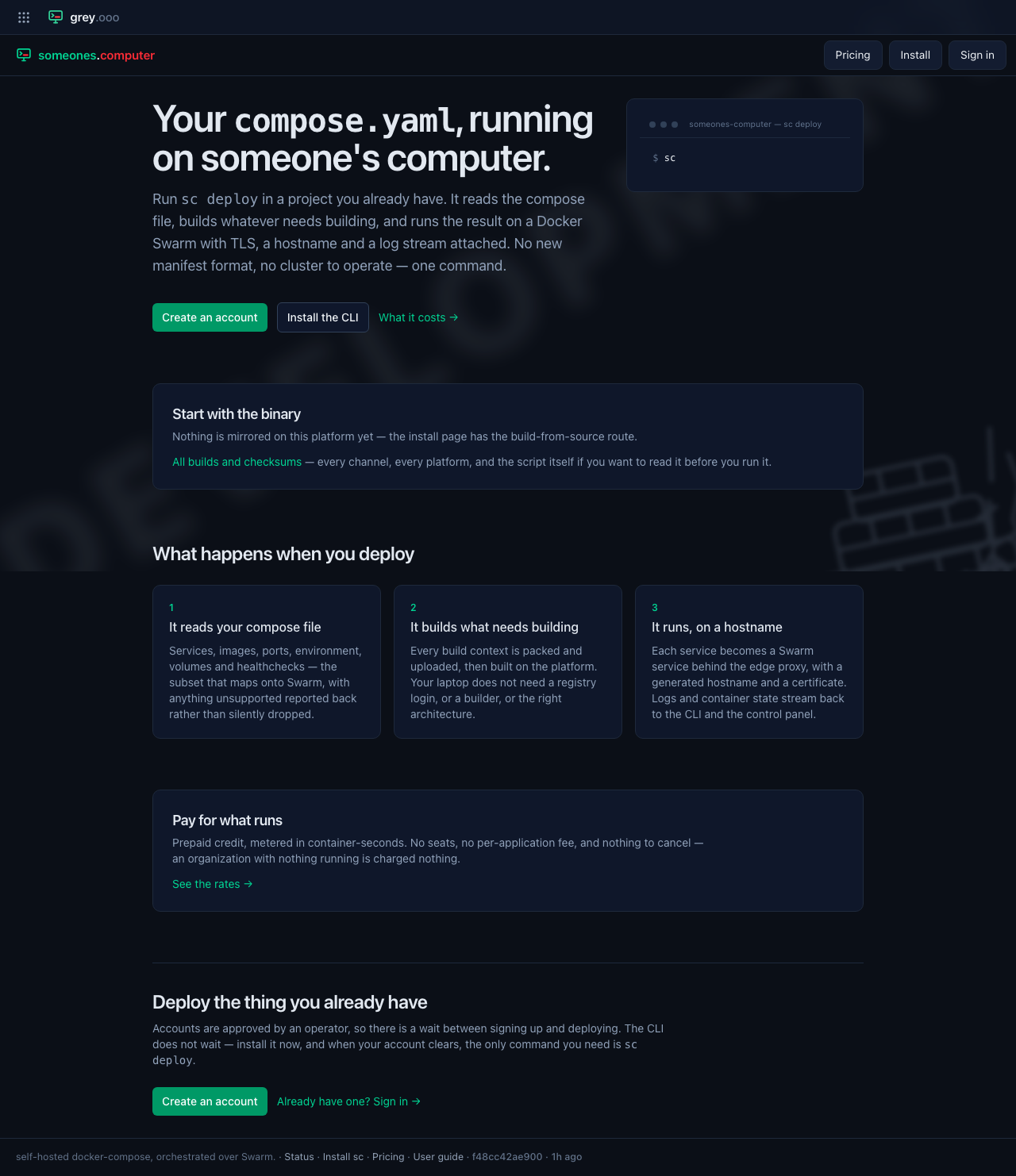
Three links matter on it:
- Create an account →
/register. Accounts are approved by an operator, so there is a wait between signing up and deploying. - Install the CLI →
/install. Nothing stops you doing this first;sc --helpworks with no account at all. - What it costs →
/pricing.
It also renders the install one-liner inline once the platform has a build
mirrored. On a platform with nothing published yet it says so and points at
/install, which explains the build-from-source route.
Pricing
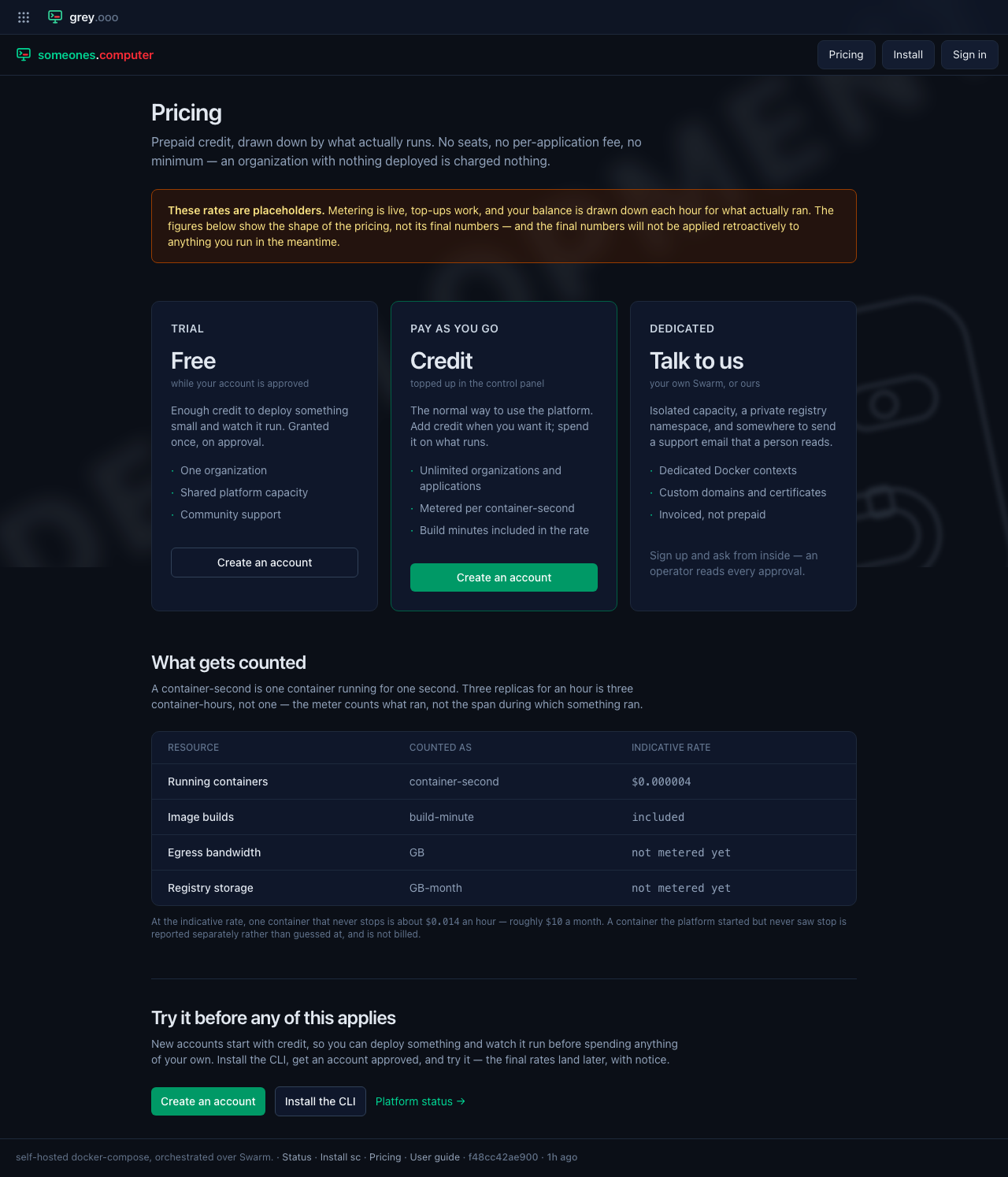
The rates on this page are placeholders, and the page says so in an amber banner rather than in a footnote. The model behind them is settled: prepaid credit per organization, metered in container-seconds, nothing charged for seats or applications.
Pricing has the whole of it—including which figures are real, which are indicative, and where each one is read from.
Finding these once you are signed in
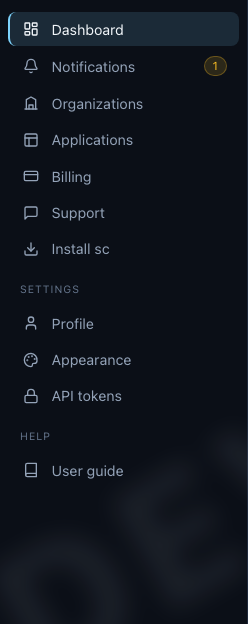
The footer carries Status, Install sc and Pricing on every page in the app, signed in or out. The sidebar carries Install sc as well:
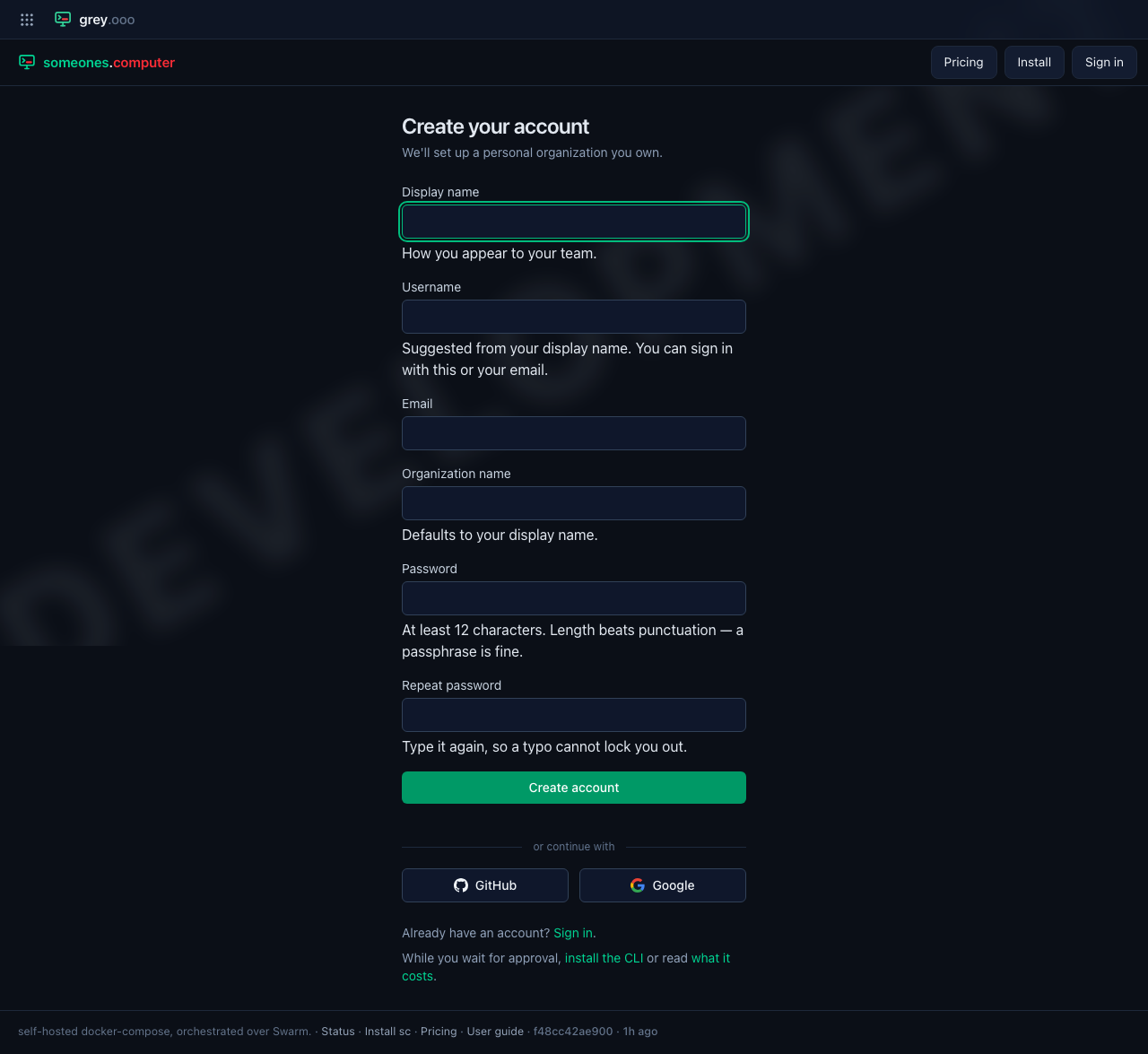
Signed out, the top bar carries Pricing and Install beside Sign in, so the sign-in and registration pages aren't dead ends:
On a phone
Every public page is the same page at any width. The page drops the drawer
for a signed-out reader, because a nav full of links that bounce to /login
is worse than no nav.
