Docker Registry
Every image the platform builds for you is stored in its own image registry, one repository per application. The page lives at Docker Registry in the sidebar and is only visible once an admin has enabled registry access on your account (the same flag that unlocks registry keys).
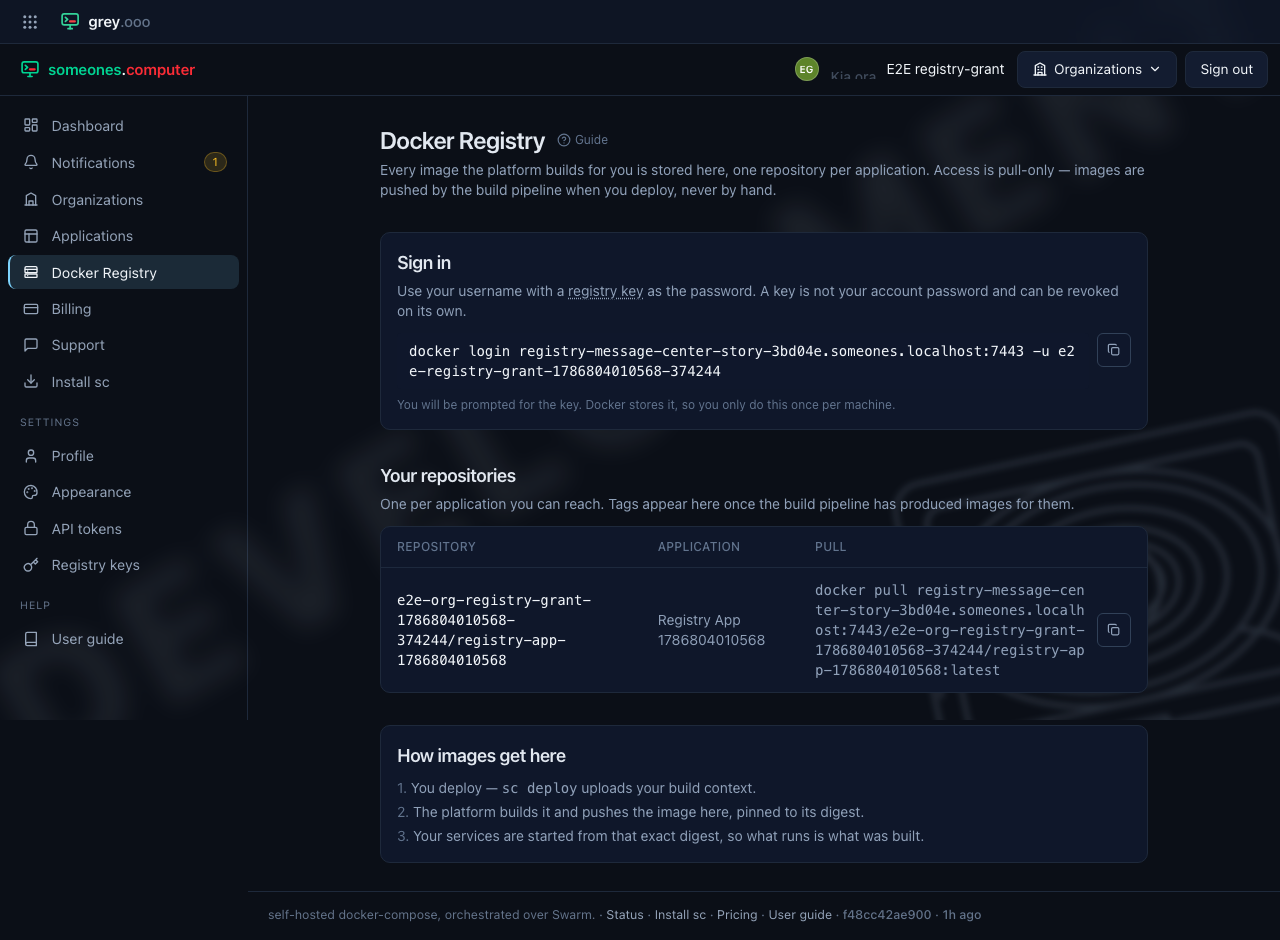
Signing in
Use your username with a registry key as the password—never your account password, so a key can be revoked on its own without disturbing your login:
docker login registry.someones.computer -u <your-username>
Docker stores the credential, so this is a once-per-machine step. The page shows the command with your own username filled in and a button that copies it.
What you can pull
Repositories are named <organization>/<application>, and you see one for every
application you can reach. Each row's Pull column carries the full
docker pull command and a button to copy it. Access is pull-only: images enter
the registry through the build pipeline when you deploy, never by hand. That's what
keeps what runs and what was built the same thing.
How images get here
- You deploy—
sc deployuploads your build context. - The platform builds it and pushes the image here, pinned to its digest.
- Your services are started from that exact digest.
Tags appear against a repository once the pipeline has produced images for it.