Service discovery
An application can look up its sibling applications by name. A person must give permission first. The permission is a grant. A new application has no grants. It sees nothing.
Who can discover an application
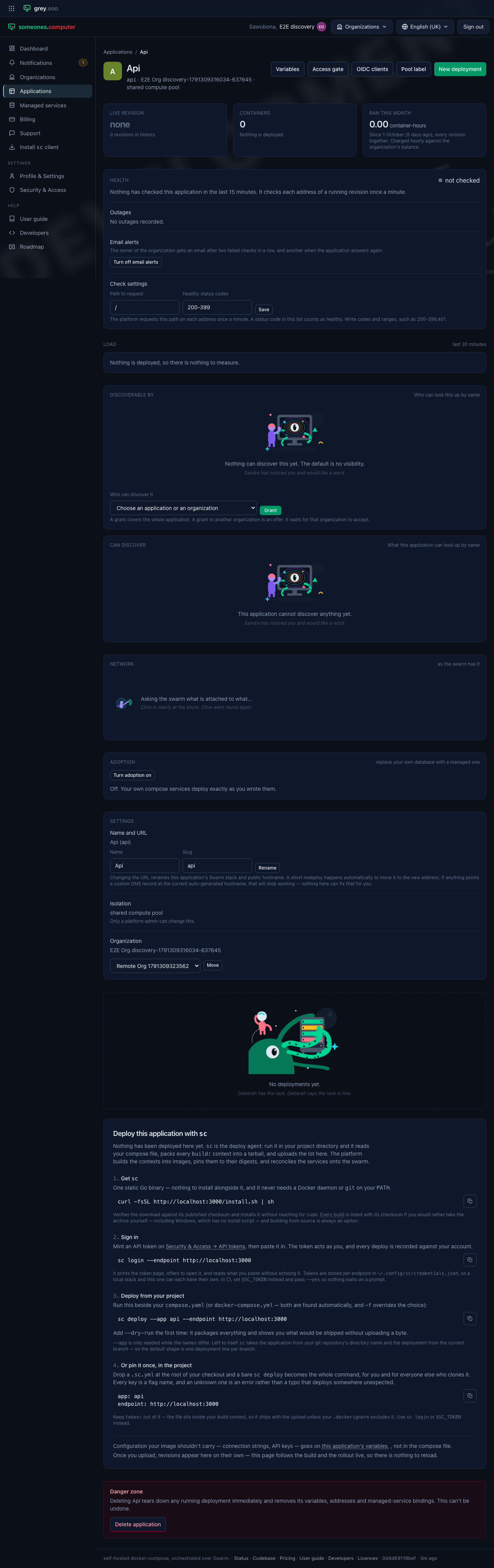
Open an application. The Discoverable by card lists who has a grant to it. Pick a consumer, then select Grant. The list shows each application that you can see. It also shows your other organizations, as a whole.
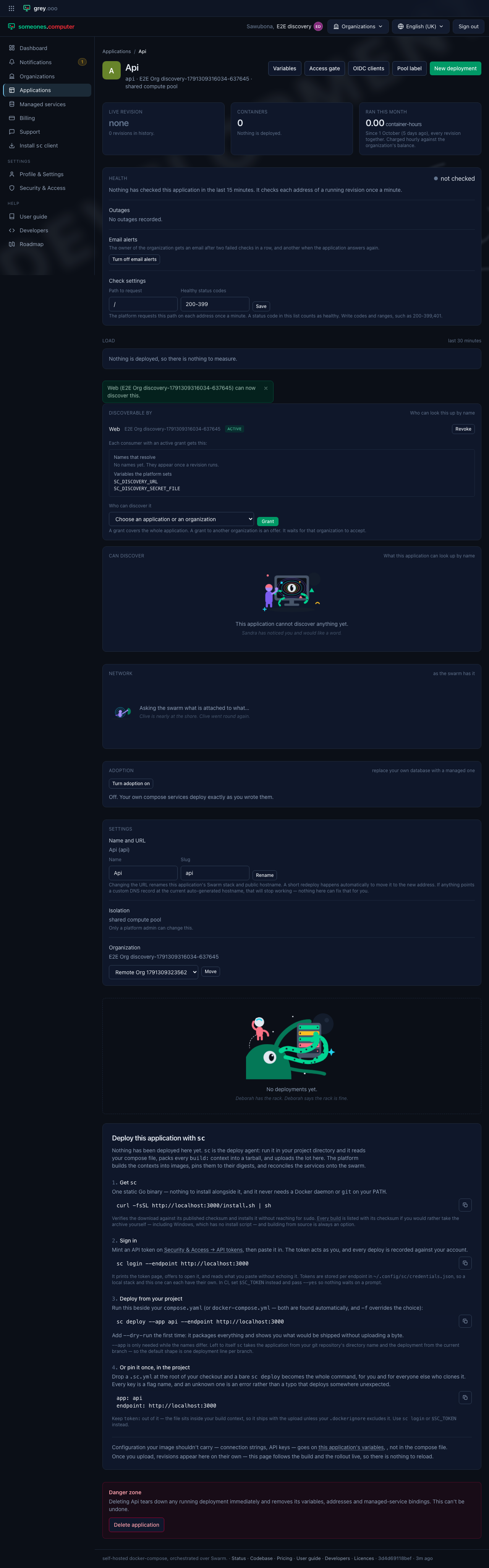
A grant inside one organization works at once. The card shows what the consumer gets. It lists the names to look up. It lists the variables that the platform sets.
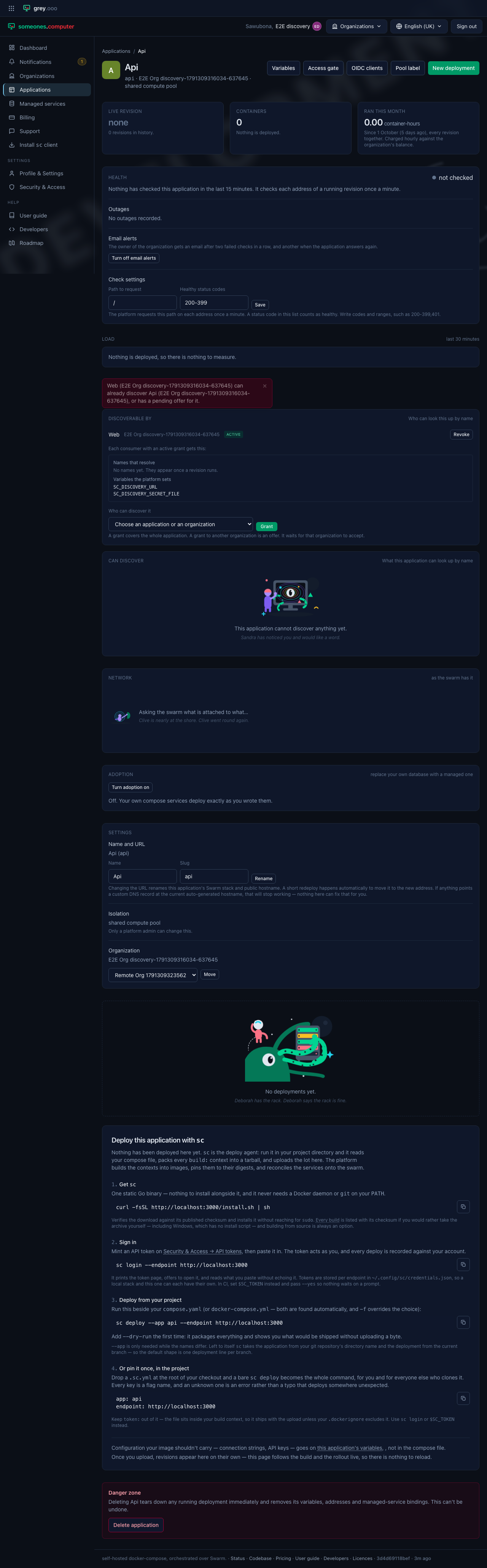
A grant covers a whole application. One pair has one grant only. A second try shows a message and changes nothing.
To end a grant, select Revoke, then confirm. The consumer stops seeing the target at once.
Offers to another organization
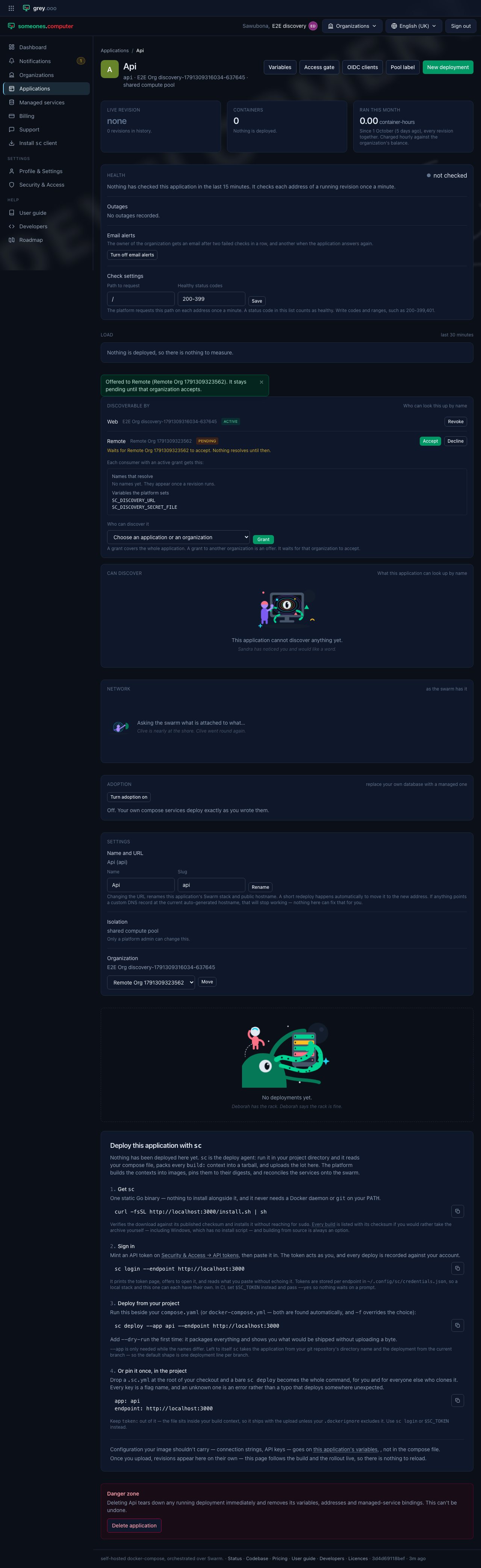
A grant to an application in another organization is an offer. It stays Pending and answers nothing. A manager of the other organization must accept it. The owner can withdraw it at any time.
The other organization sees the offer on its page, under Discovery. It selects Accept or Decline.
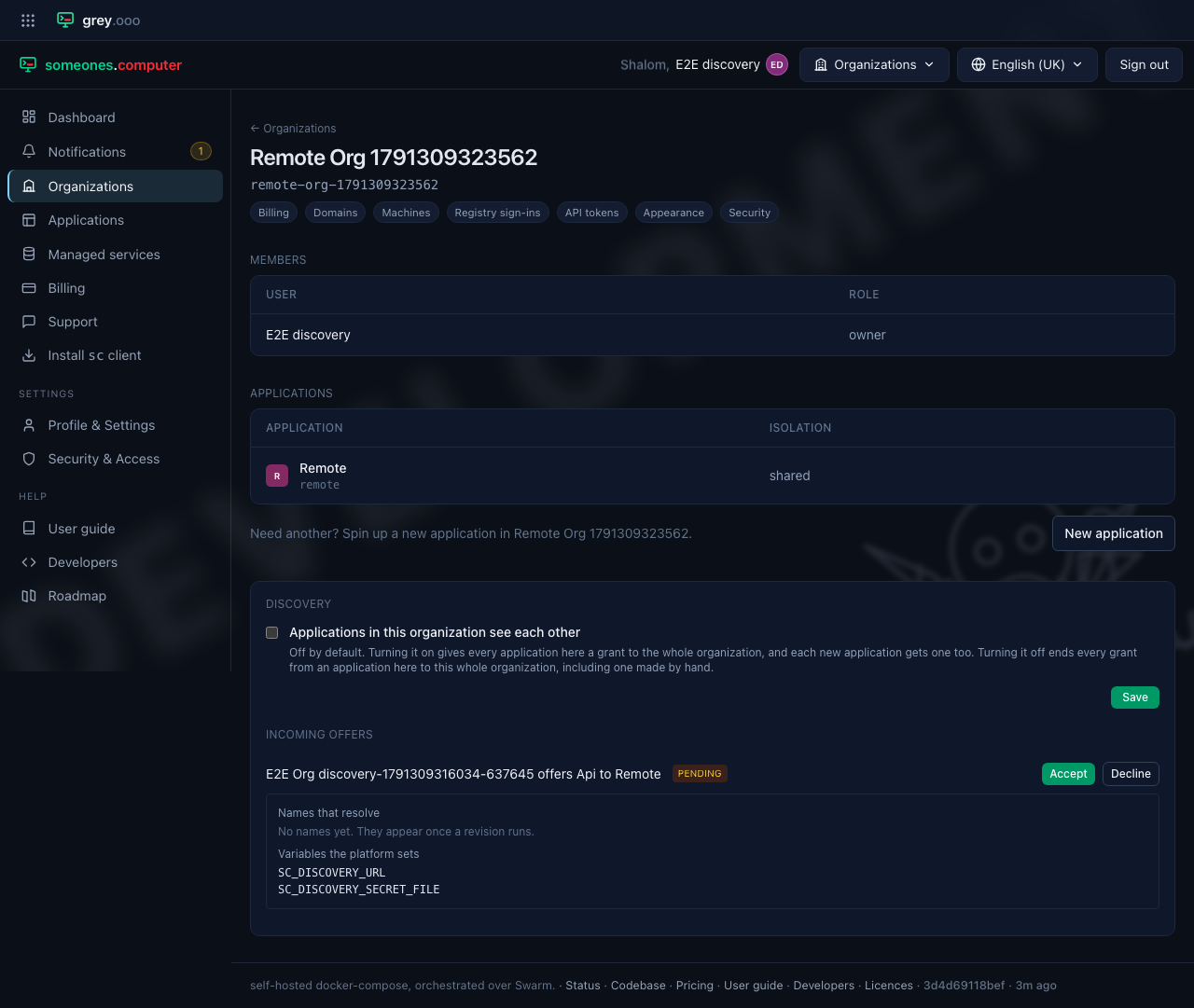
Let all applications see each other
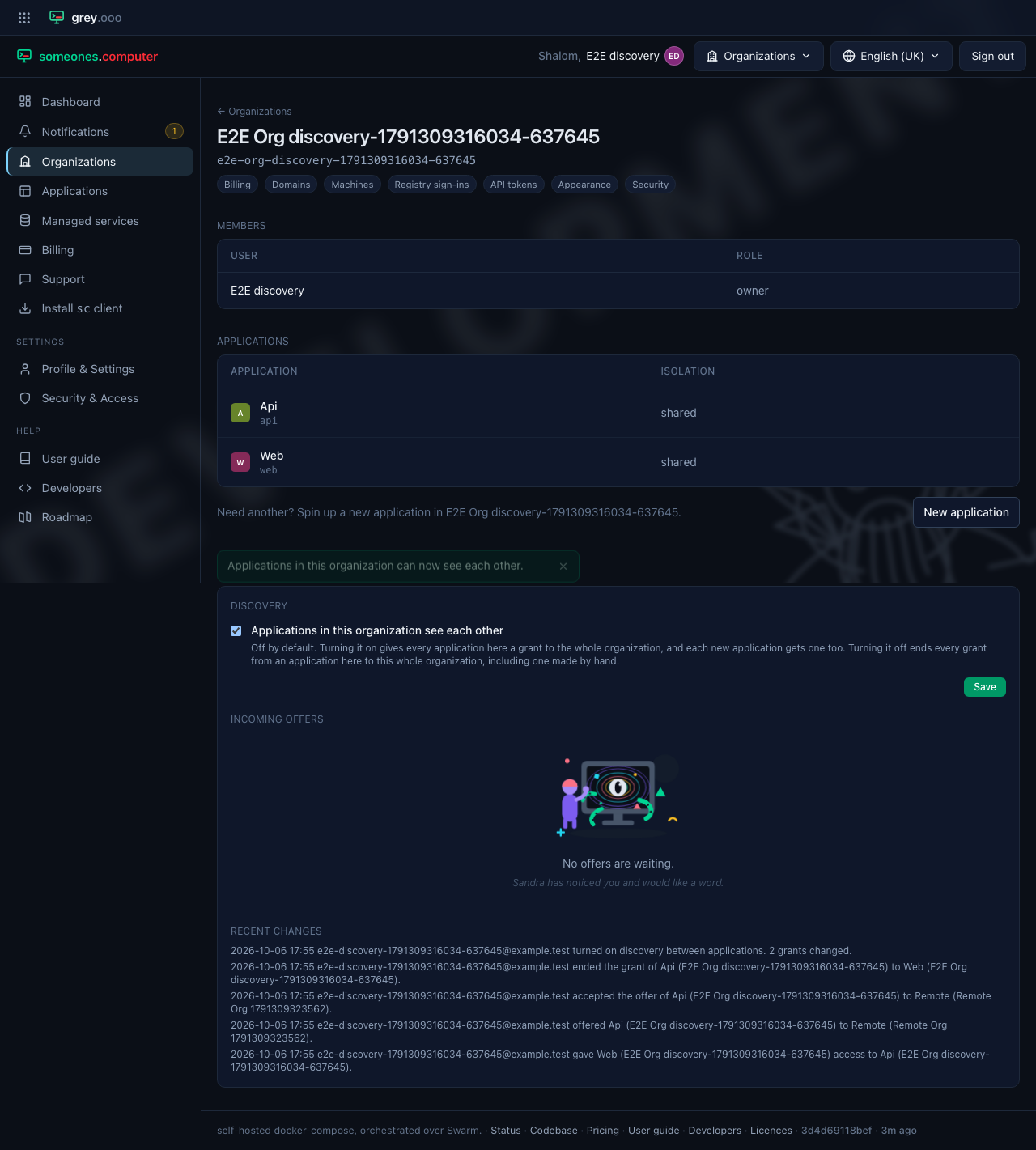
The Discovery card of an organization has one switch. It reads Applications in this organization see each other. The switch is off by default. Turn it on. Each application then gets a grant to the whole organization. Each new application gets one too. Turn it off, and those grants end.
Managed services
A managed service page has the same Discoverable by card. A binding lets an application use the service. Its row says Binding. You can't revoke it there. Remove the binding instead.
The record of changes
Each change writes a row to an audit table. The row names the person, the action, and the grant. The Discovery card shows the latest rows.